
To configure OwnCDN to send alerts via Discord (see UI / Settings), you will need a Discord webhook URL.
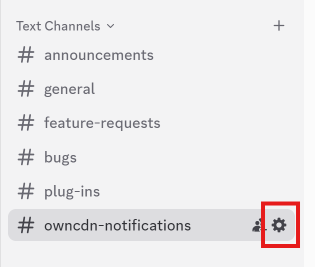
In Discord, in the channel list, click on the gear icon next to the channel you wish to receive notifications in:
Click "Integrations" and click "Create Webhook":
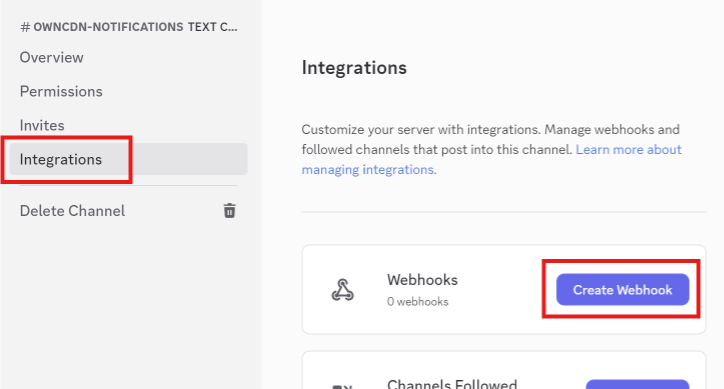
That will generate a webhook (named "Captain Hook" by default).
Click the new webhook and then click "Copy Webhook URL":
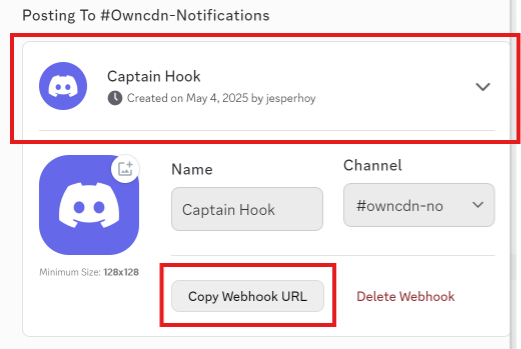
You may also want to change the webhook name to something like "OwnCDN".